Amazing Road TV

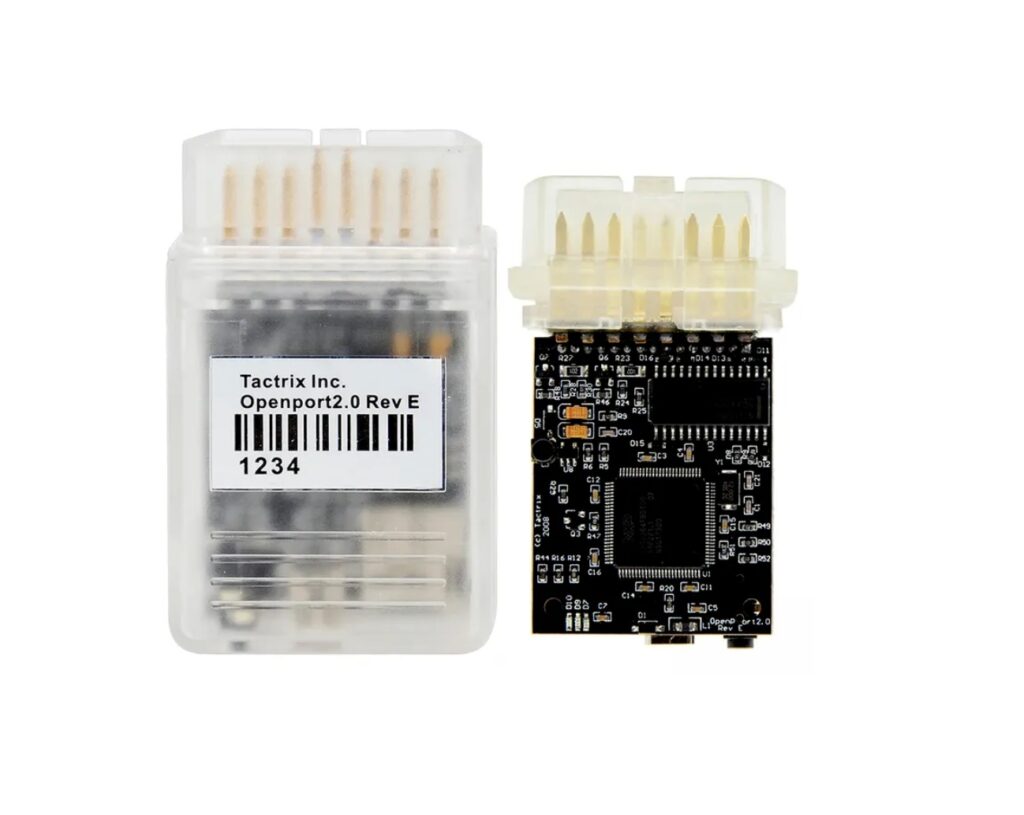
Tactrix Openport 2.0 J2534 Diagnostic Coding & Tuning Adapter

Where should you begin your acquaintance if you suddenly become interested in diagnosing your car?

Naturally, there are many types of ECUs, with different software, different data protocols, and different connectors. When faced with such a need for a diagnostic tool for the first time, users usually immediately encounter the acronym OBD.
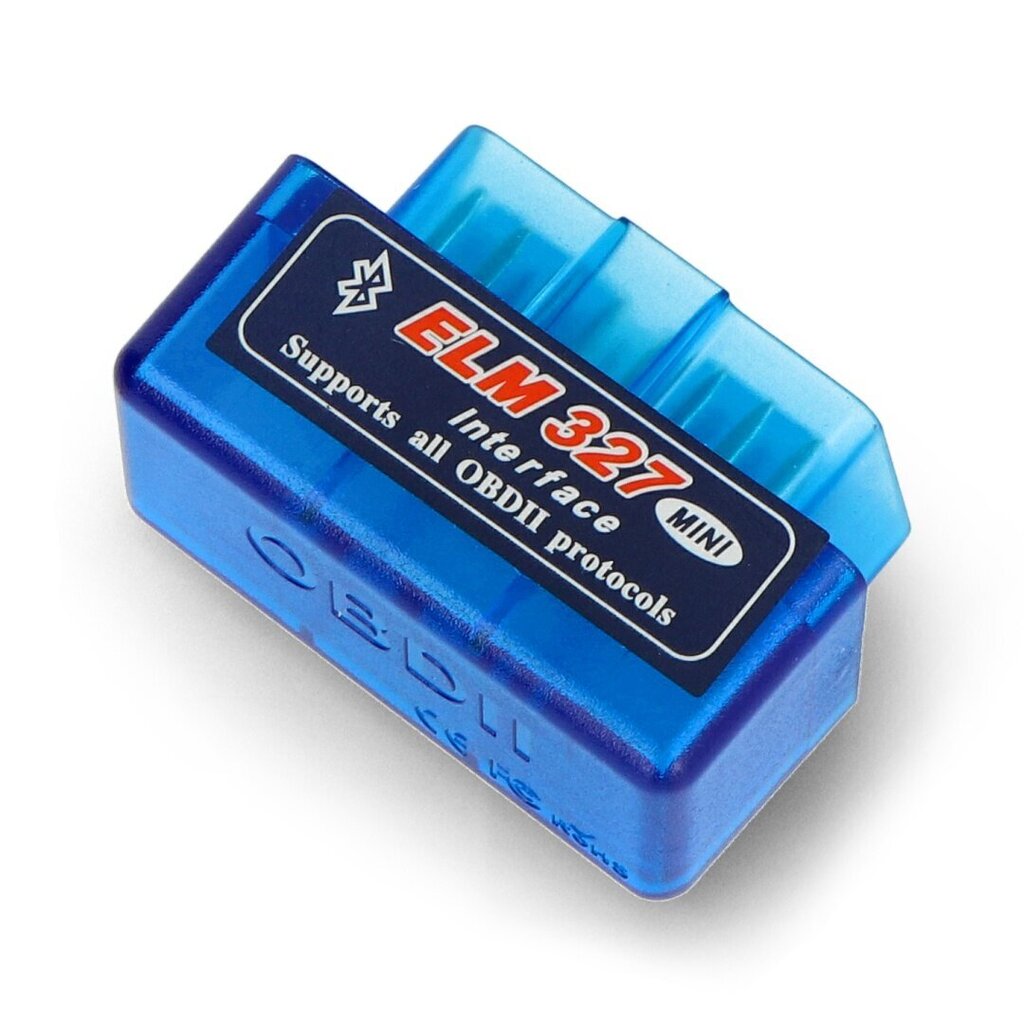
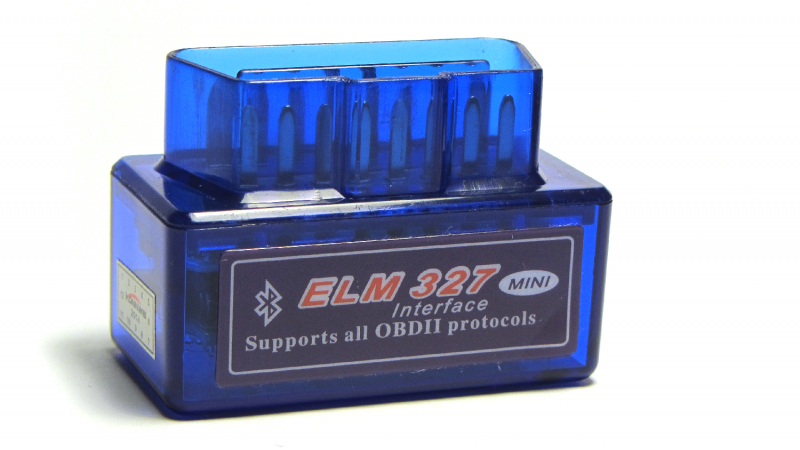
OBD (On-board diagnostics) is a general term referring to vehicle self-diagnosis and the ability to retrieve information from on-board systems. It's a standard that allows for the ability to read information using specific data protocols. This means that the most accessible way to diagnose your car is usually with ELM 237.
But as we understand, our machines aren't exactly ordinary, so it can't be that easy. ELM 237 is just the name of a chip that supports a limited number of protocols and data, which doesn't actually include MUTII data decoding. The only thing we need is the European and Japanese G2.
Drawing conclusions, we understand that we will need specialized equipment, such as OpenPort. This is the best and cheapest option. There are two versions on the market: OpenPort 1.3u and 2.0. What's the difference?
2.0 complies with the J2534 standard, which is becoming increasingly widespread. Therefore, OP 2.0 can be used not only on Mitsubishi and Subaru vehicles, but also on many other vehicles whose diagnostic software supports J2534 adapters (Mazda, Toyota, Nissan, Mercedes and etc). Buying one isn't the hardest task. Once you've got it in your hands, the main thing is to at least have a good idea of ​​what you can do with it. Depending on your ECU, you can either code it or simply diagnose it.

First, when connecting our adapter to the PC, we'll need a driver. When you buy Xentry PassThru from me, the folder also includes a verified driver for Openport 2.0. Next, what you need is a diagnostic program. You can buy this version of Xentry PassThru or write to me on Telegram. You can also watch this Video to understand the differences between adapters and protocols.
If you have any questions, you can write below
Leave a Reply

Your email address will not be published. Required fields are marked *

Select the fields to be shown. Others will be hidden. Drag and drop to rearrange the order.
  • Image
  • SKU
  • Rating
  • Price
  • Stock
  • Availability
  • Add to cart
  • Description
  • Content
  • Weight
  • Dimensions
  • Additional information
Click outside to hide the comparison bar
Compare